Settings Overview
The Settings section provides an overview of the current system configuration in lead2car.
This page is primarily informational. Users can review the configuration but generally do not have permission to change it.
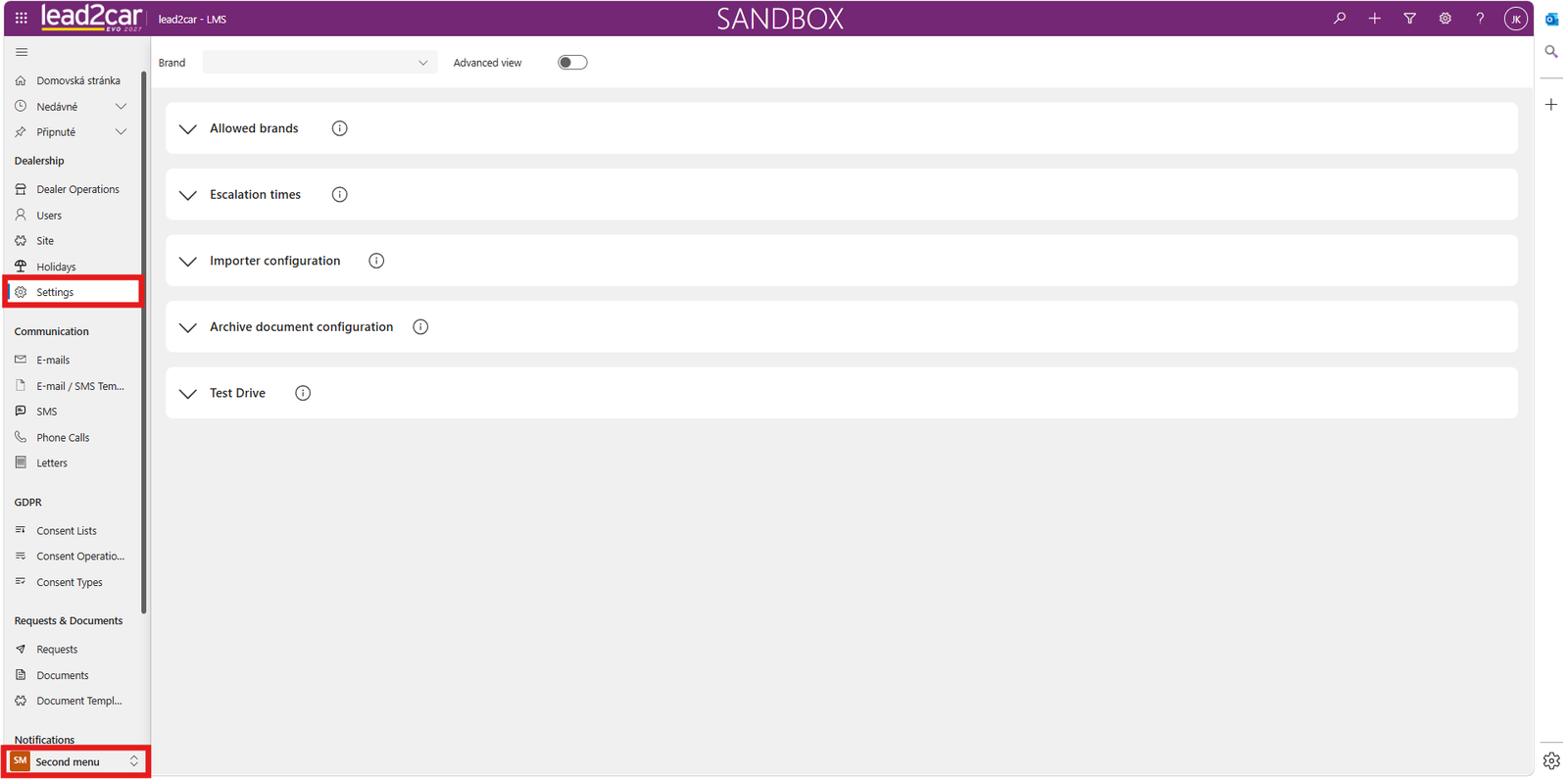
Selecting a Brand
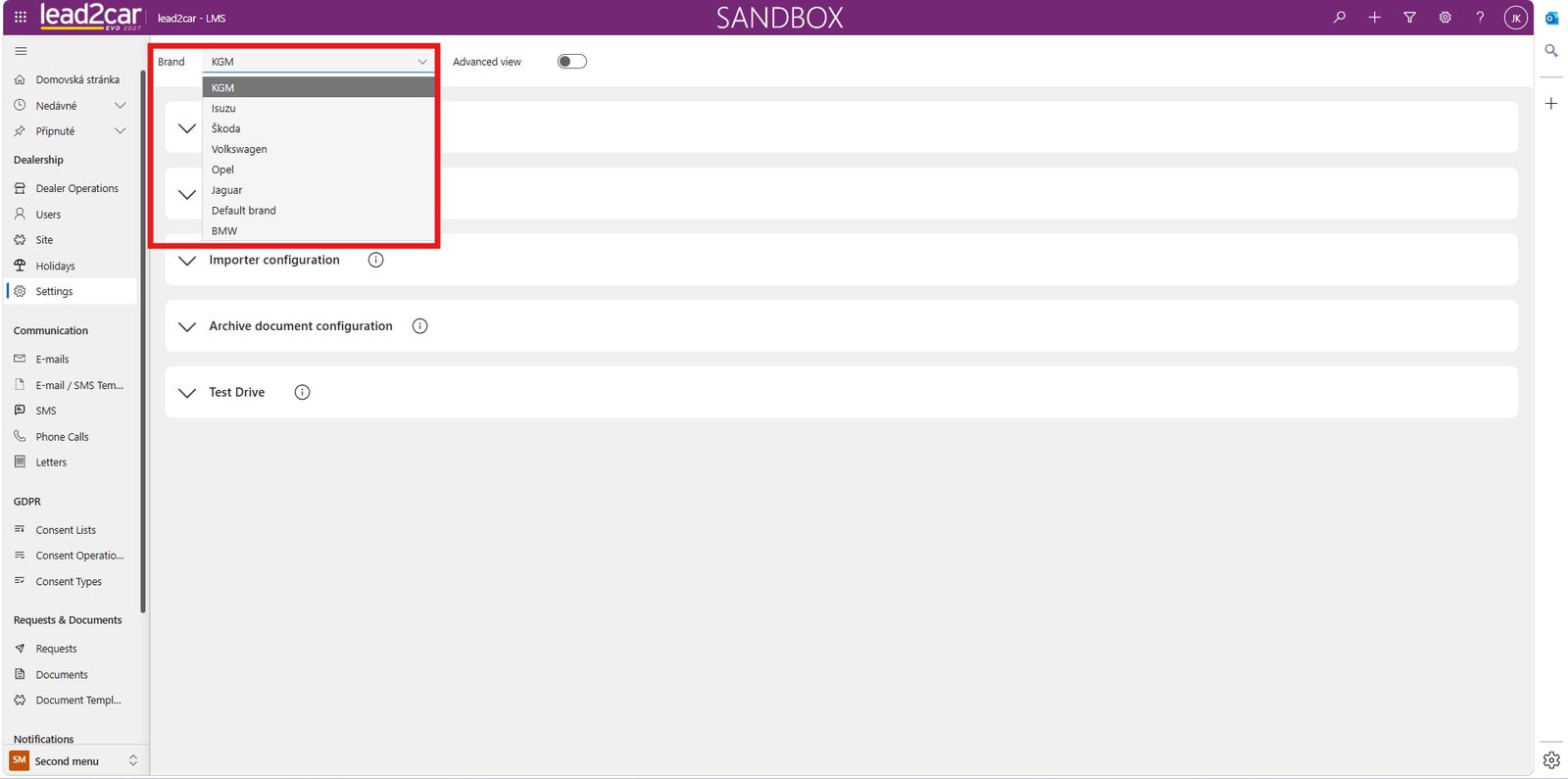
At the top of the page, select the brand for which you want to view the settings.
After selecting a brand, the corresponding configuration is displayed.
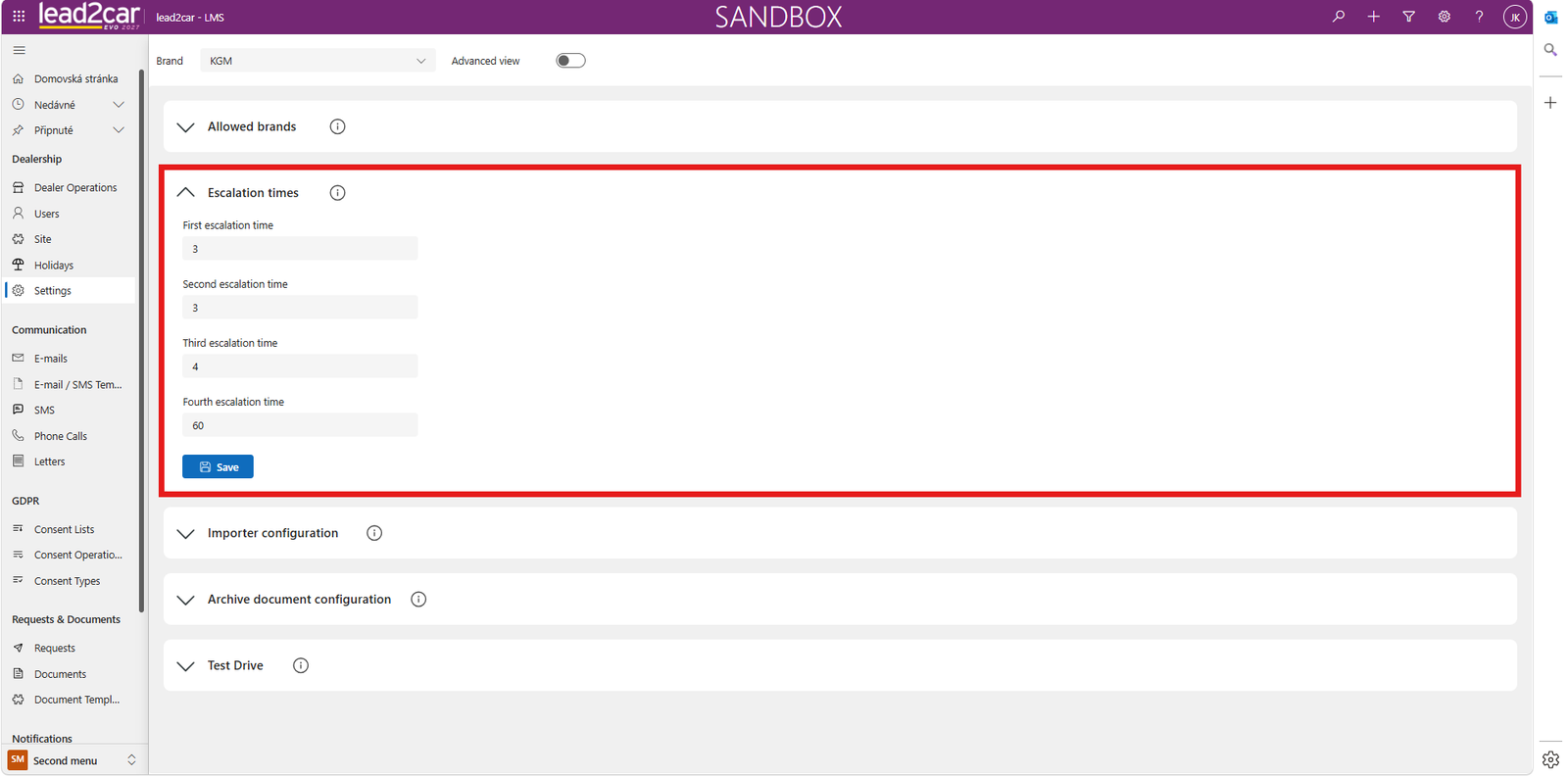
Viewing System Configuration
The settings include escalation times. These values determine when an unprocessed lead is escalated.
The page also shows the number of days used for document archiving and other available system settings.
Requesting Configuration Changes
If you need to change any displayed value or another system setting, contact lead2car support.
ImportantSystem configuration changes must be performed by an authorized administrator or lead2car support.