Dealer Operations Overview
The Dealer Operations section is used to view and manage the individual branches of the dealership.
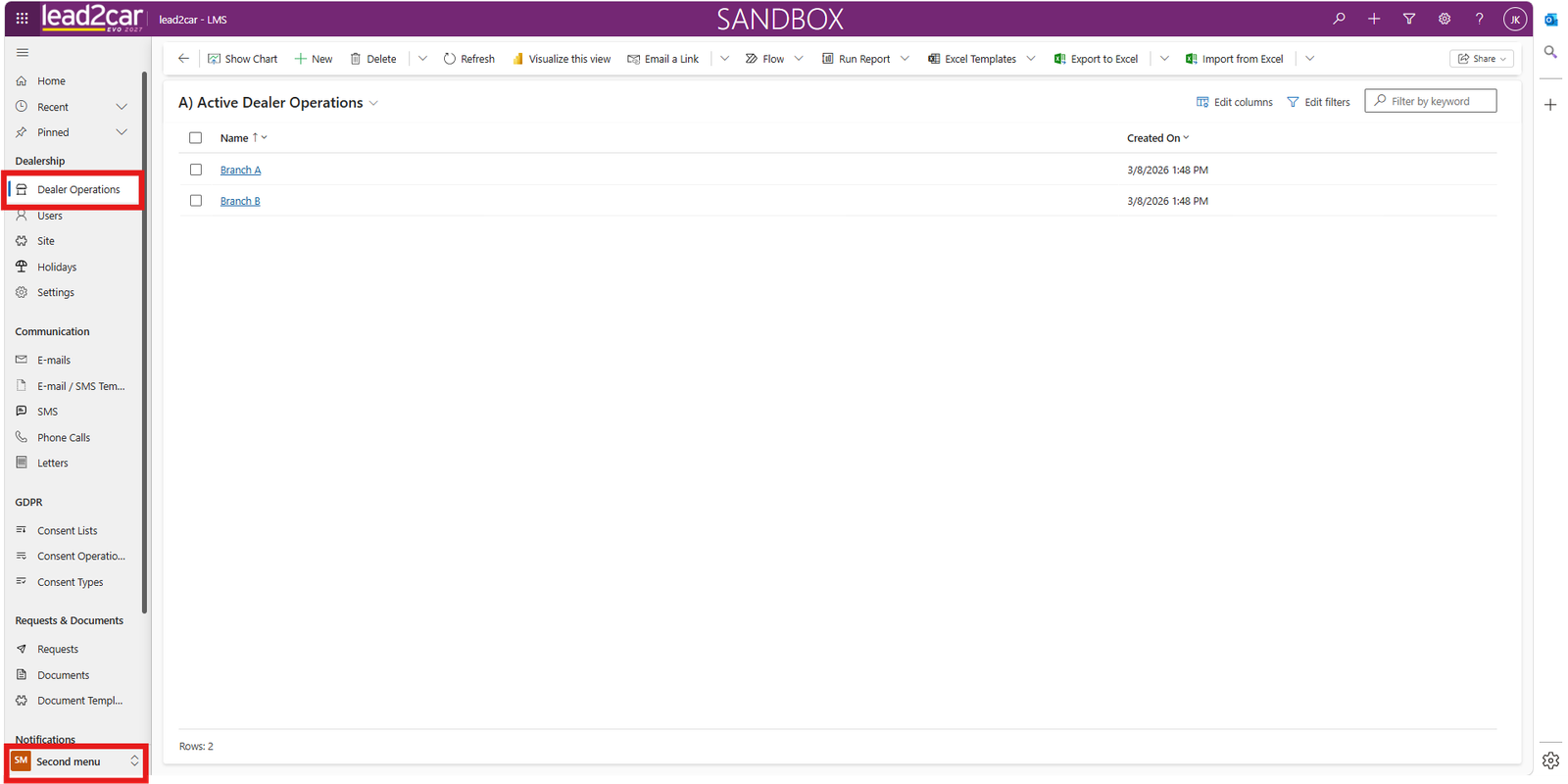
Open Dealer Operations from the navigation menu. The system administrator can view a list of all branches belonging to the dealership.
Opening a Branch Record
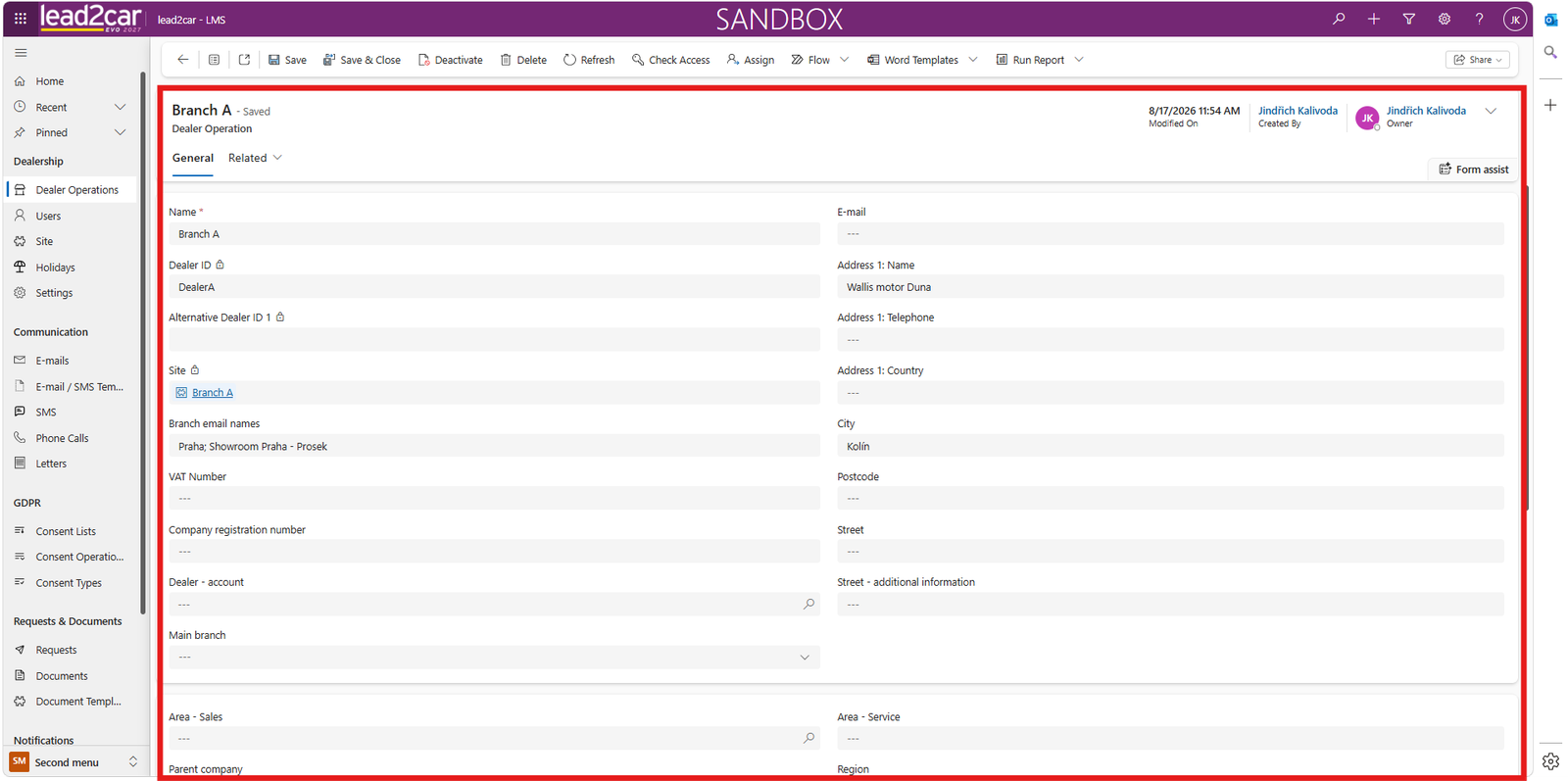
Select a branch from the list to open its record.
The branch record contains basic information about the branch, such as:
- Branch name
- Address
- Contact information
- Opening hours
Setting Branch Opening Hours
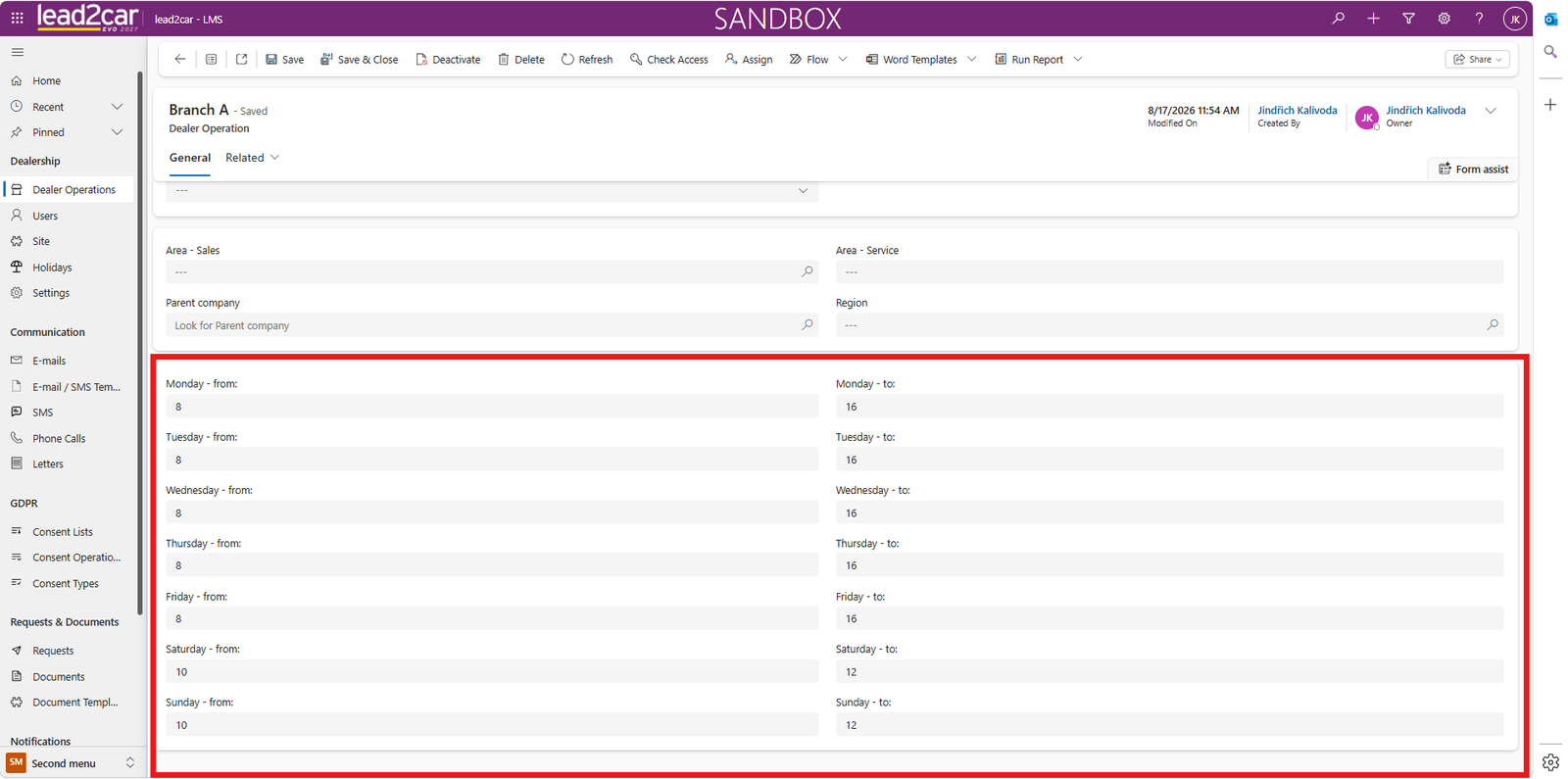
In the branch record, configure the opening hours for each relevant day.
After completing or updating the opening hours, save the branch record.
Important
Lead escalations are calculated only during the configured opening hours of the dealership branch. Time outside the branch opening hours is not included in the escalation period. It is therefore important to keep the opening hours accurate and up to date.